Showcase
VoltProcure demo
A complete procurement and inventory application built on Laravolt 8, Laravel 13 and Livewire 4: requests, approvals, purchase orders, goods receipts and stock. It is open source, so you can read how a real Laravolt app is put together.
Source code
github.com/laravolt/voltprocure — MIT licensed, with seeded demo data and a production Docker image.
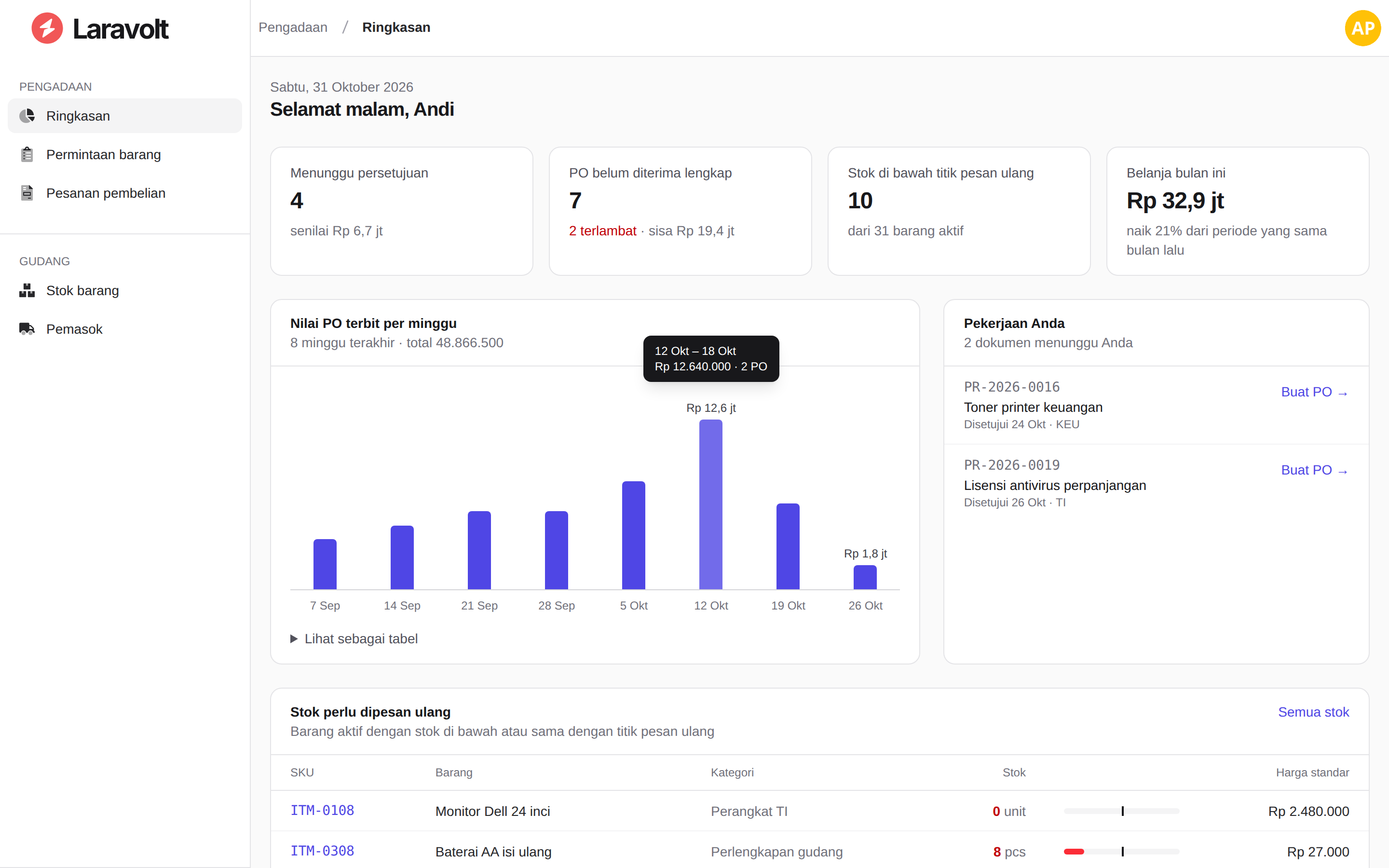
The flow
A department asks for goods, and its manager approves them line by line. Procurement then turns the approval into a purchase order, and the warehouse receives the delivery, in parts if needed. Stock updates itself, and every movement is traced back to its document.
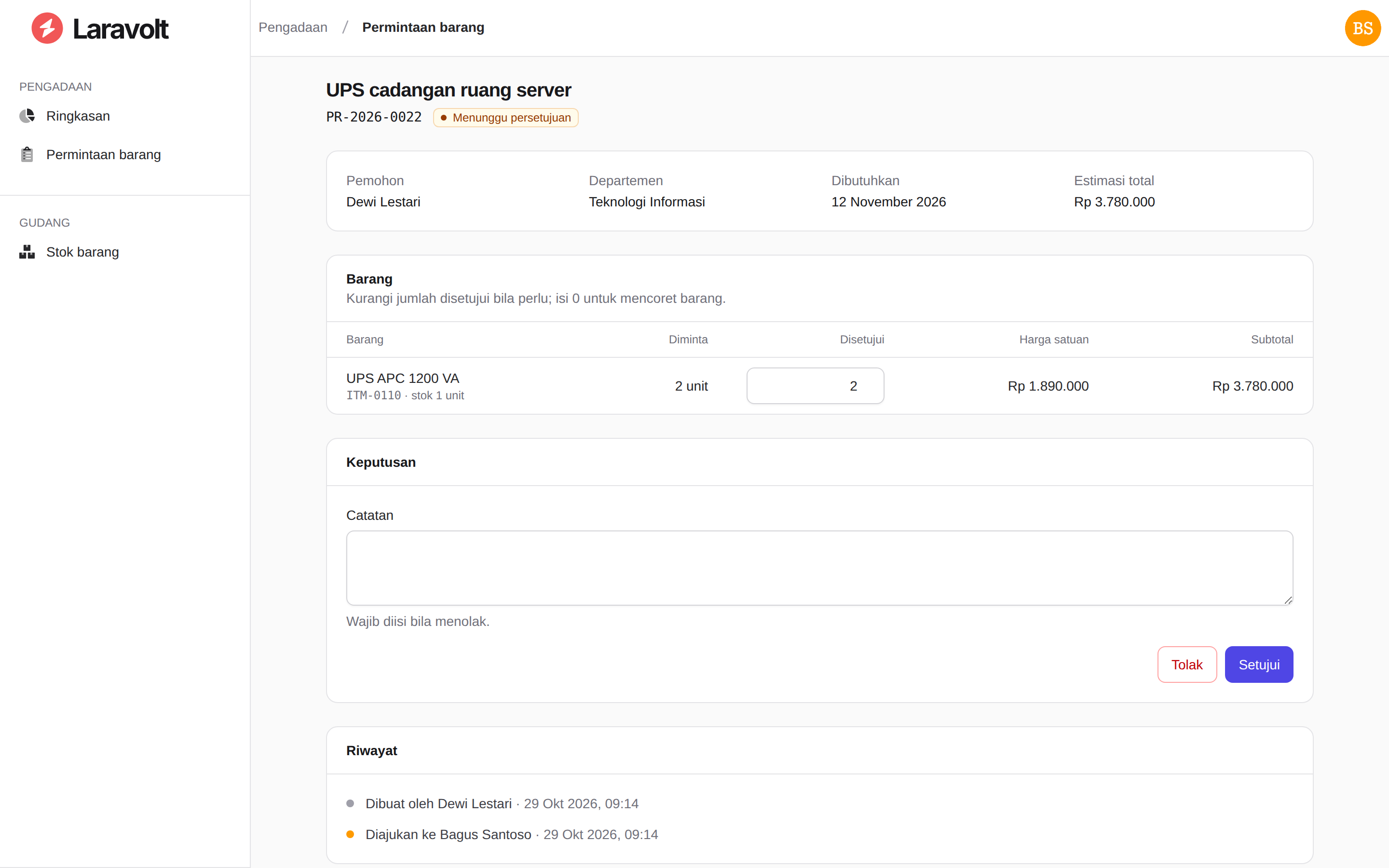
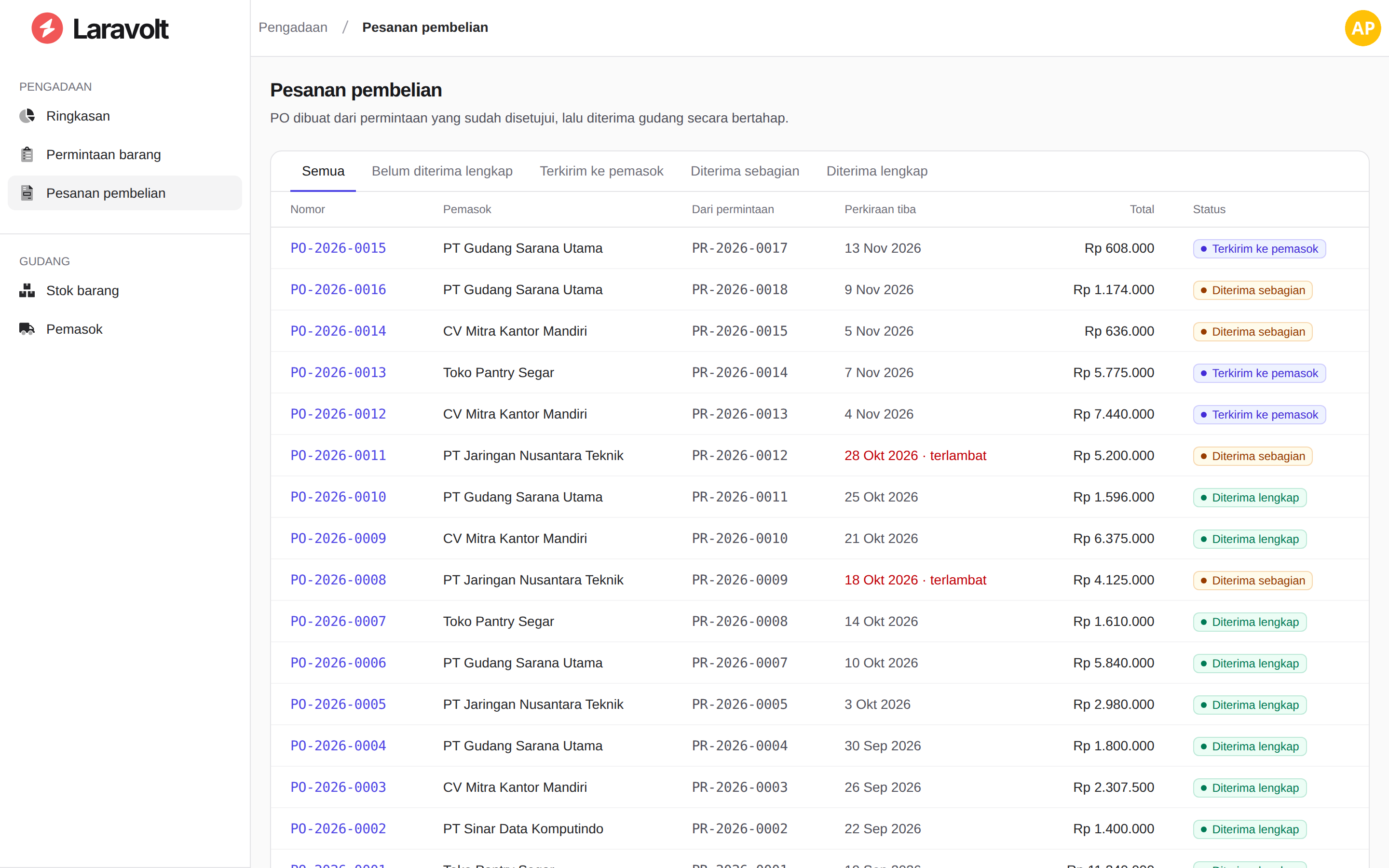
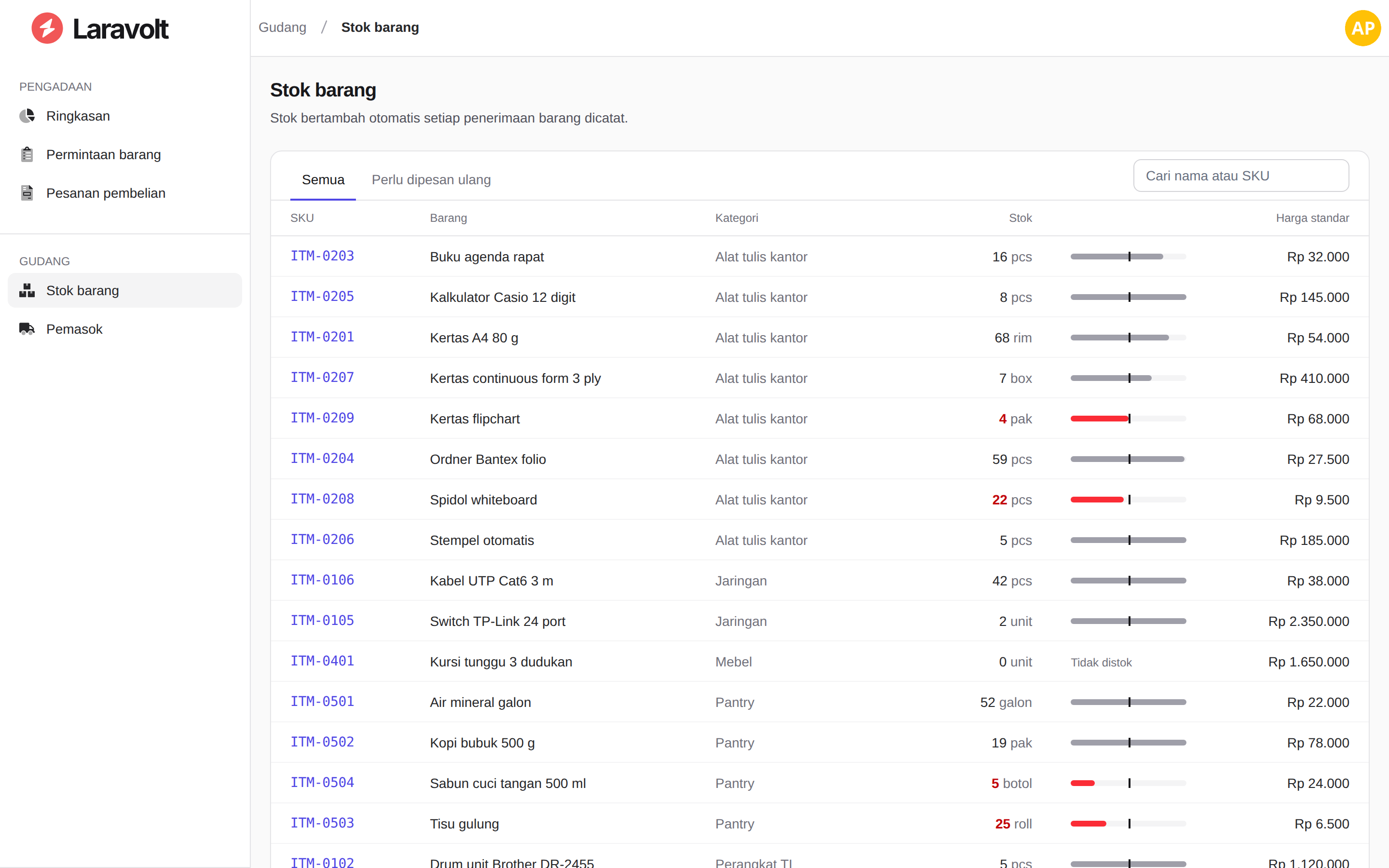
What it shows about Laravolt
- Laravolt's layout and ACL out of the box.
<x-volt-app>, the sidebar fromconfig/laravolt/menu/*.php, and permissions that decide both the menu and the routes (can:middleware). - One design layer over every page. A small Tailwind CSS file remaps Laravolt's
gray-*andblue-*scales to graphite neutrals and one indigo accent. Laravolt's built-in user and role screens follow, without overriding a single vendor view. - Rules in actions, covered by tests. Only the department's manager decides, nothing is ordered before approval, and a receipt never exceeds what is outstanding.
- Production on Octane + FrankenPHP. The Docker image runs worker mode. On a shared 2-vCPU host the dashboard served about 50 requests per second, against about 15 on
php artisan serve. See Laravolt under Octane. - Works on a phone. Every page is usable at 390px wide. Below 568px, list tables become labelled cards through Laravolt's built-in Basictable: each one only adds the
basictableclass. See Tables on phones.
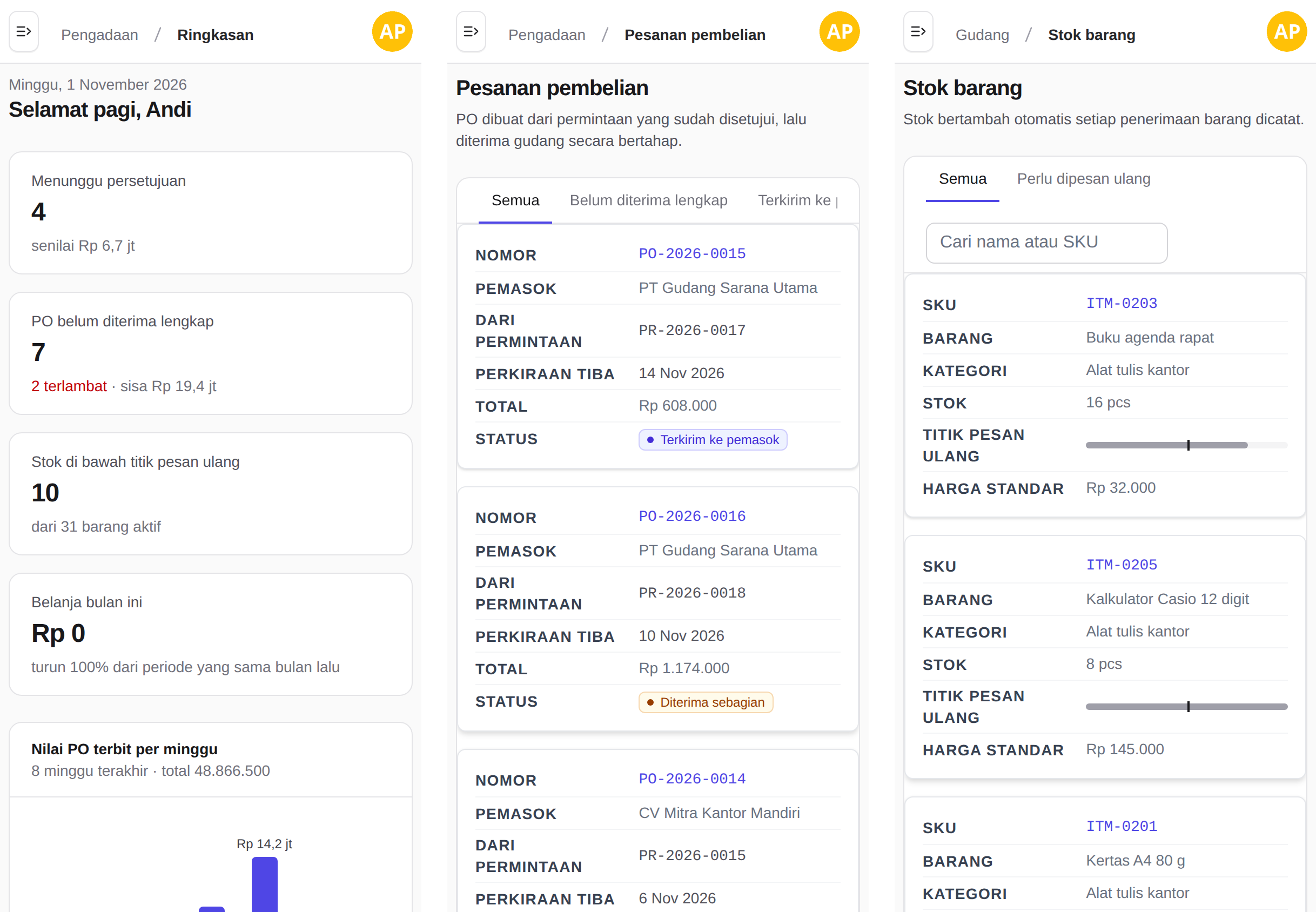
Run it
git clone https://github.com/laravolt/voltprocure.git && cd voltprocure
cp .env.docker.example .env.docker
docker compose -f docker-compose.prod.yml run --rm --no-deps app php artisan key:generate --show   # paste into APP_KEY
docker compose -f docker-compose.prod.yml up -d --build
Open http://localhost:8090 and sign in as andi@voltprocure.test (procurement), bagus@voltprocure.test (IT manager), dewi@voltprocure.test (requester) or siti@voltprocure.test (warehouse). The password for all of them is password.
The screenshots on this page are captured from that same production image in CI on every change.